New
article number
217347

Brodit adjustable label guide - Sato PW4NX WWPW4100N/ 4130N

€94.95
Not in stock
-
+
Question about this product?
Call +31 35 678 0806
Secure payment
iDEAL, credit card, PayPal
Details
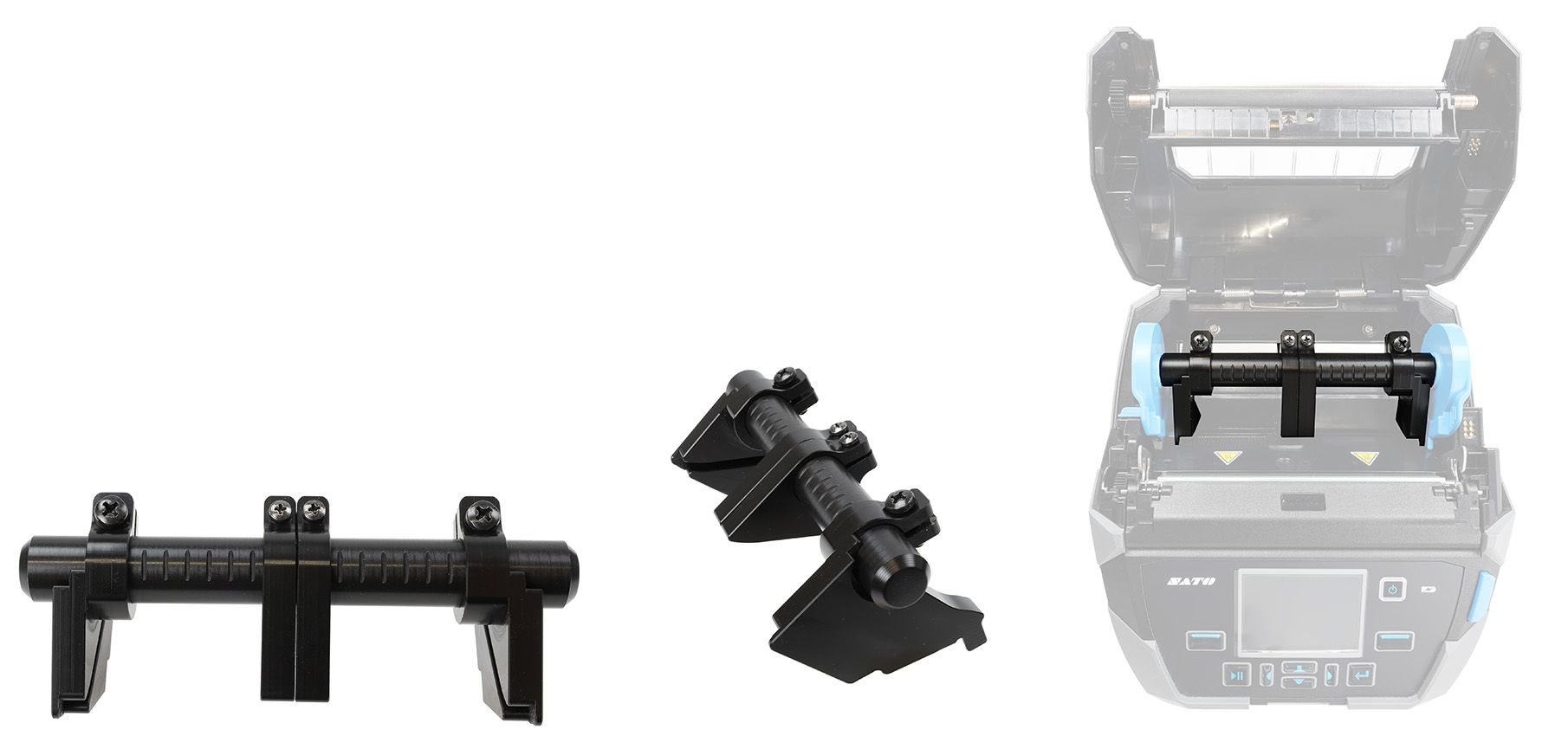
Keep labels perfectly aligned from roll to the print head, for smooth operation with different label widths. The adjustable label guides align the labels centrally guaranteeing smooth feeding without jamming and precise print placement every time, even with external rolls.     For optimal performance and reliable feeding, we recommend using this product together with holder 217161, which is designed to provide stable roll support when working with external label rolls.  
More Information
More Information
Accessory brand Brodit
Barcode 7320282173470
Recommended retail price incl. VAT €94.95
Holder feature Device-specific
Cable / Qi / charger type / connnector passive
Device holder lockable? no
Color black
Productinfo Brodit houder
Show more + Show less -
Reviews
Write Your Own Review
You're reviewing:Brodit adjustable label guide - Sato PW4NX WWPW4100N/ 4130N
Compatibility
Show more + Show less -
Instruction
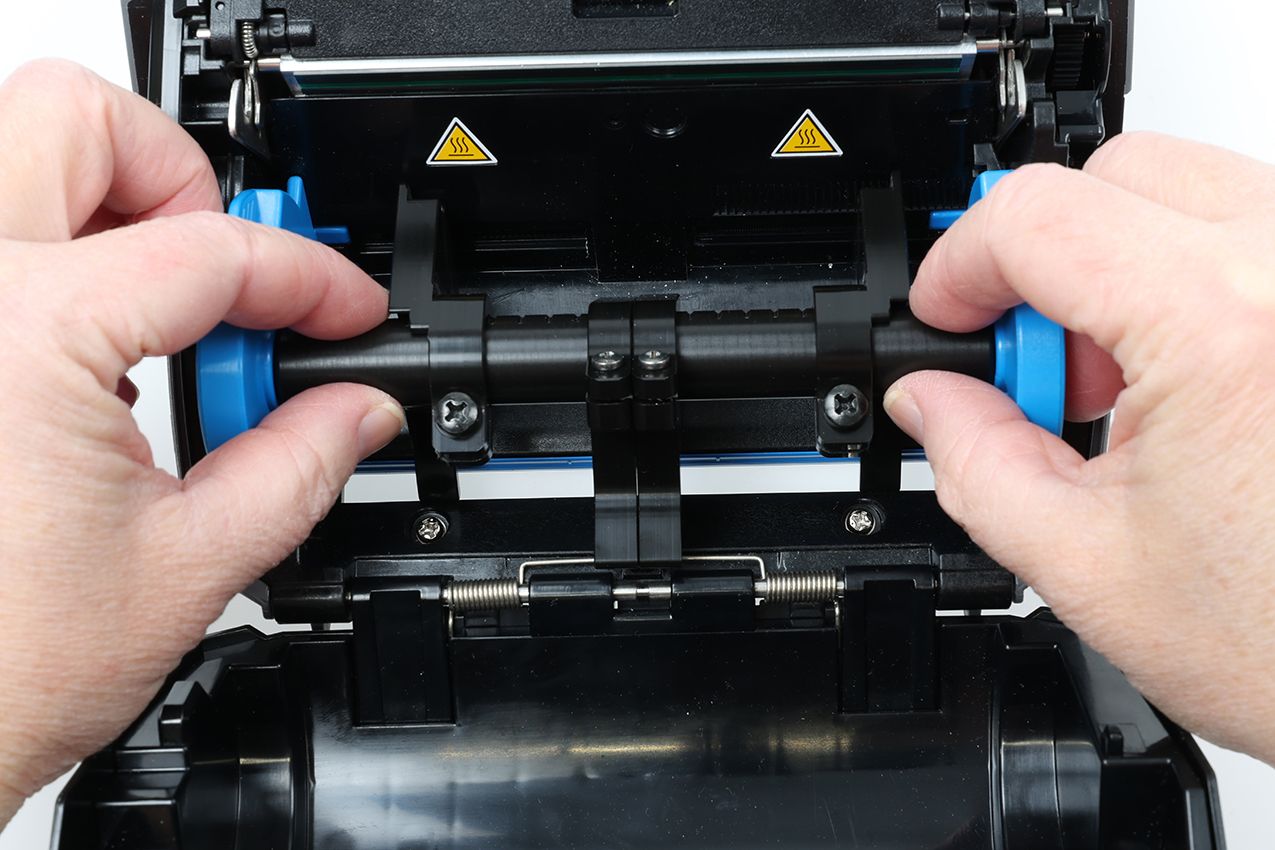
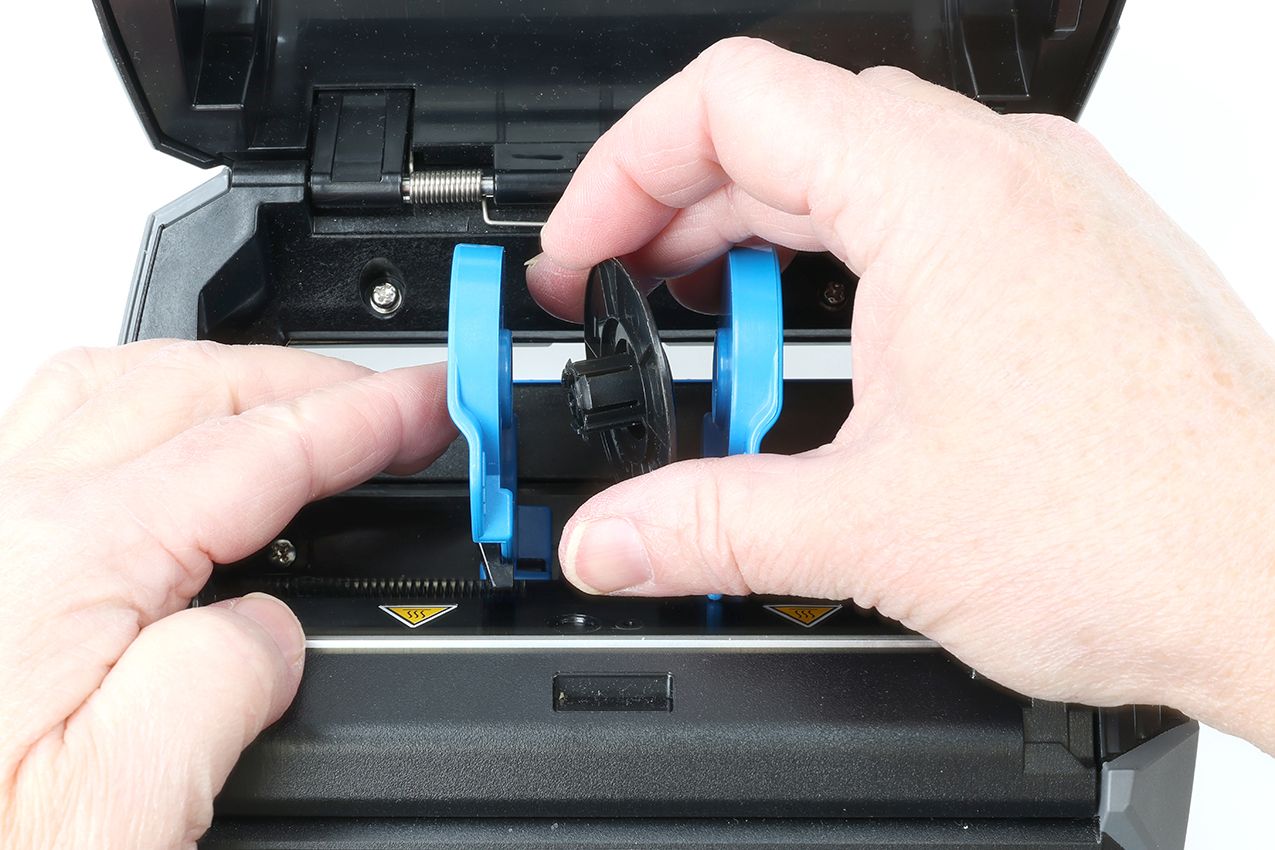
Please read all of the instructions and look at the pictures before attaching the holder.   1. Start by removing the roller plates from the printer, as shown in the illustration.   
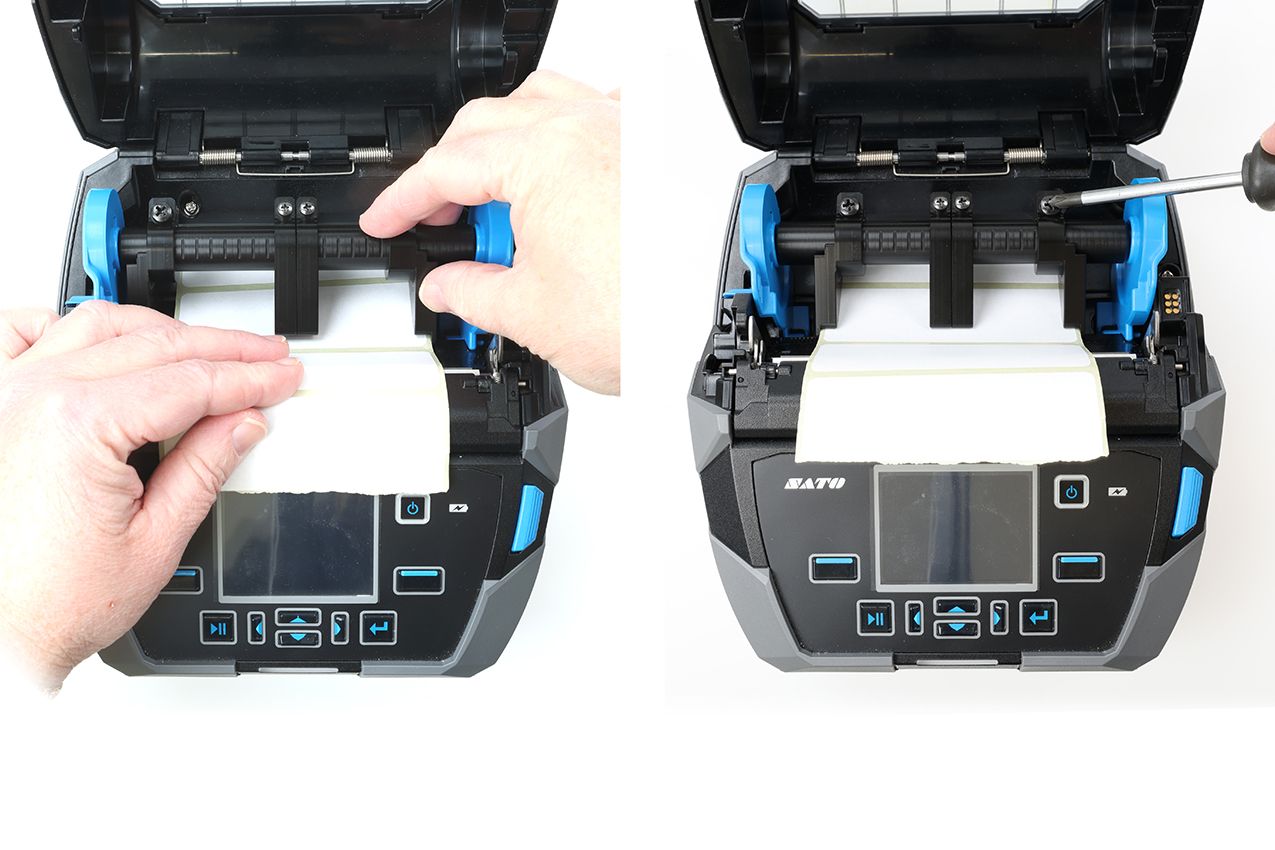
2. Loosen the screws slightly so that the guide arms can be angled. Pull the attachment points apart and place the label guide inside the printer. Rotate the label guide downward until the locking arms click into the designated slot. Make sure both arms have clicked in and are securely seated.  
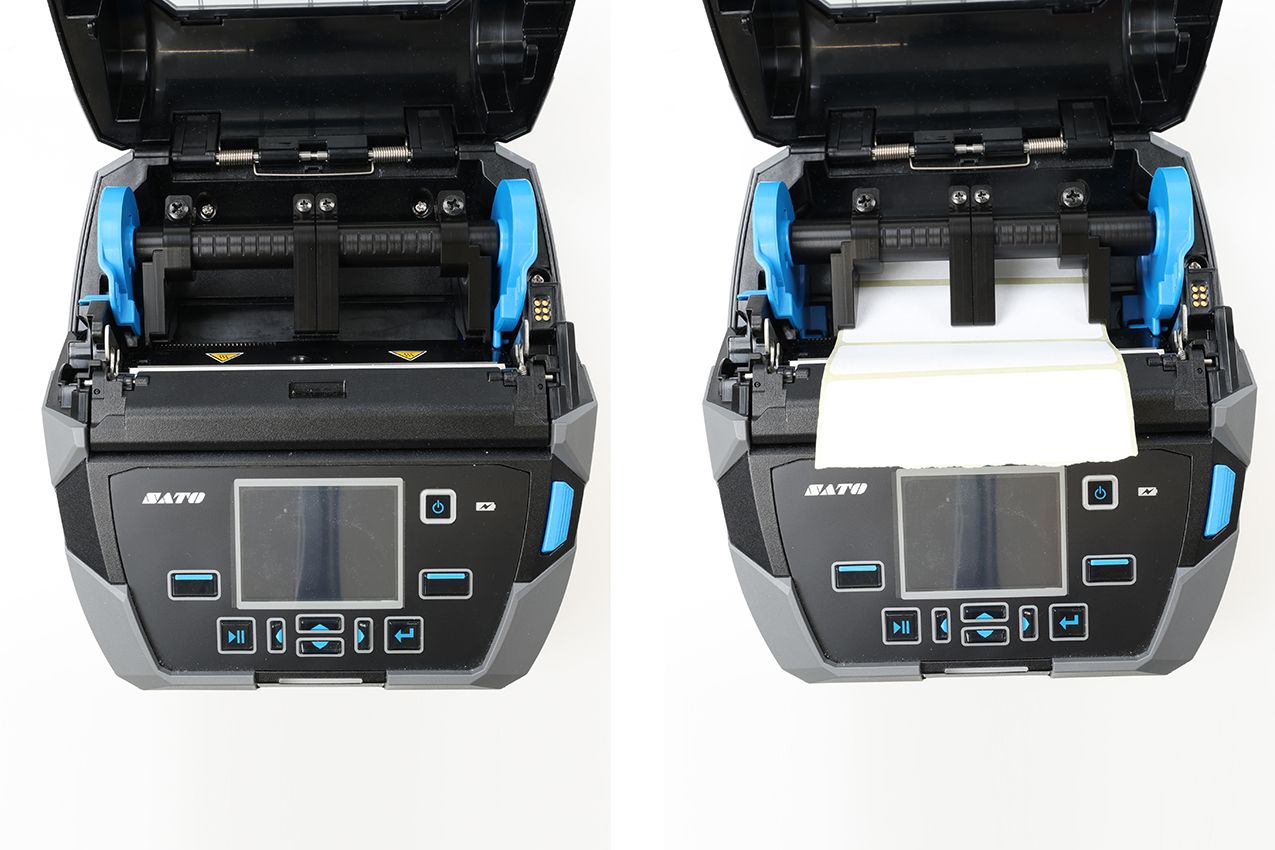
3. Adjust the guide rails so that the label passes through the slots in the label guide, position the two middle guide rails to ensure even pressure across the label roll. Then tighten all the screws.  
4. The label guide is now properly installed.

Scroll to top