article number
512851

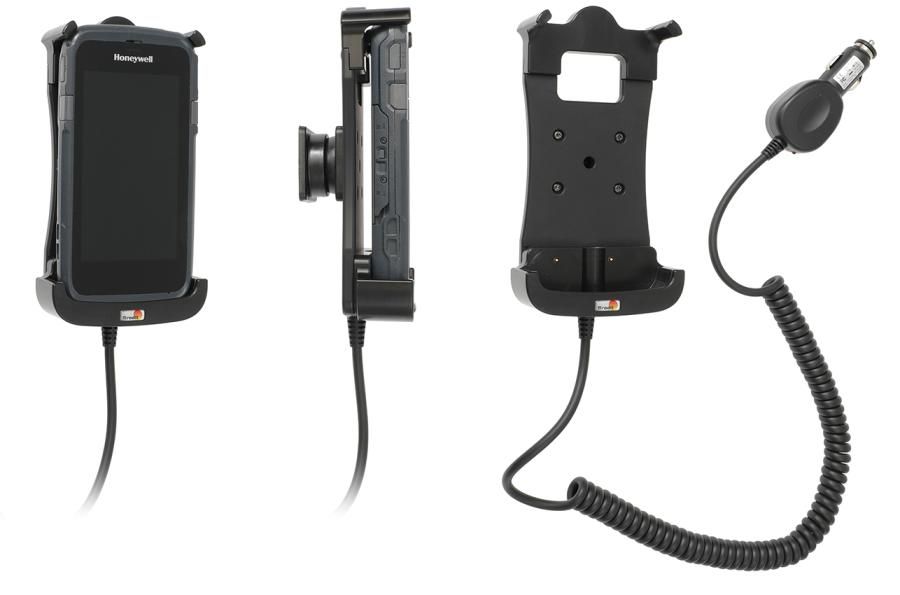
Brodit Active holder Honeywell CT50/CT60 cig.plug-3A

€111.95
Not in stock
-
+
  • Fast Shipping
  • High Quality Products
  • Secure Payments
Details
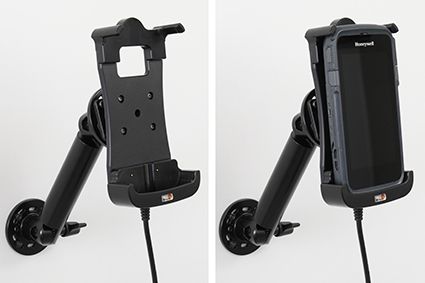
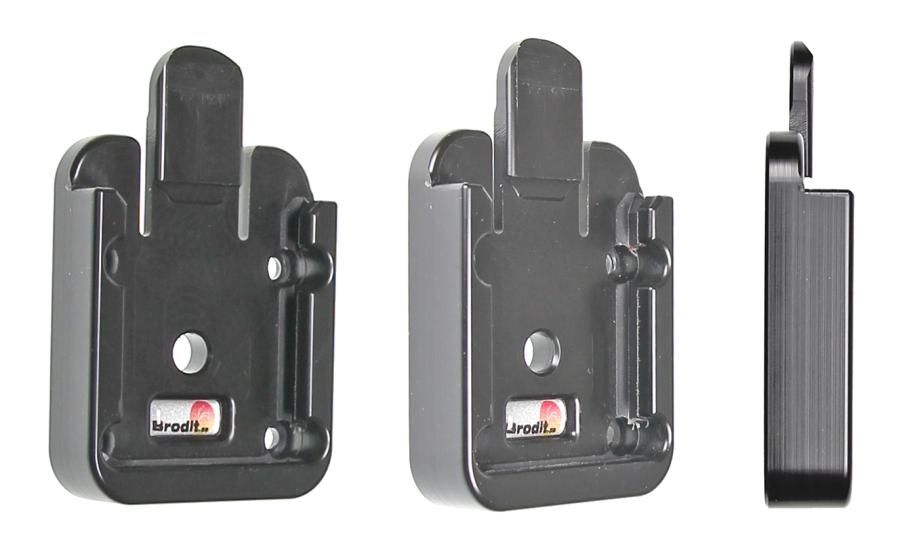
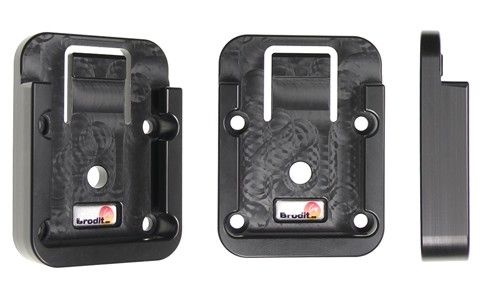
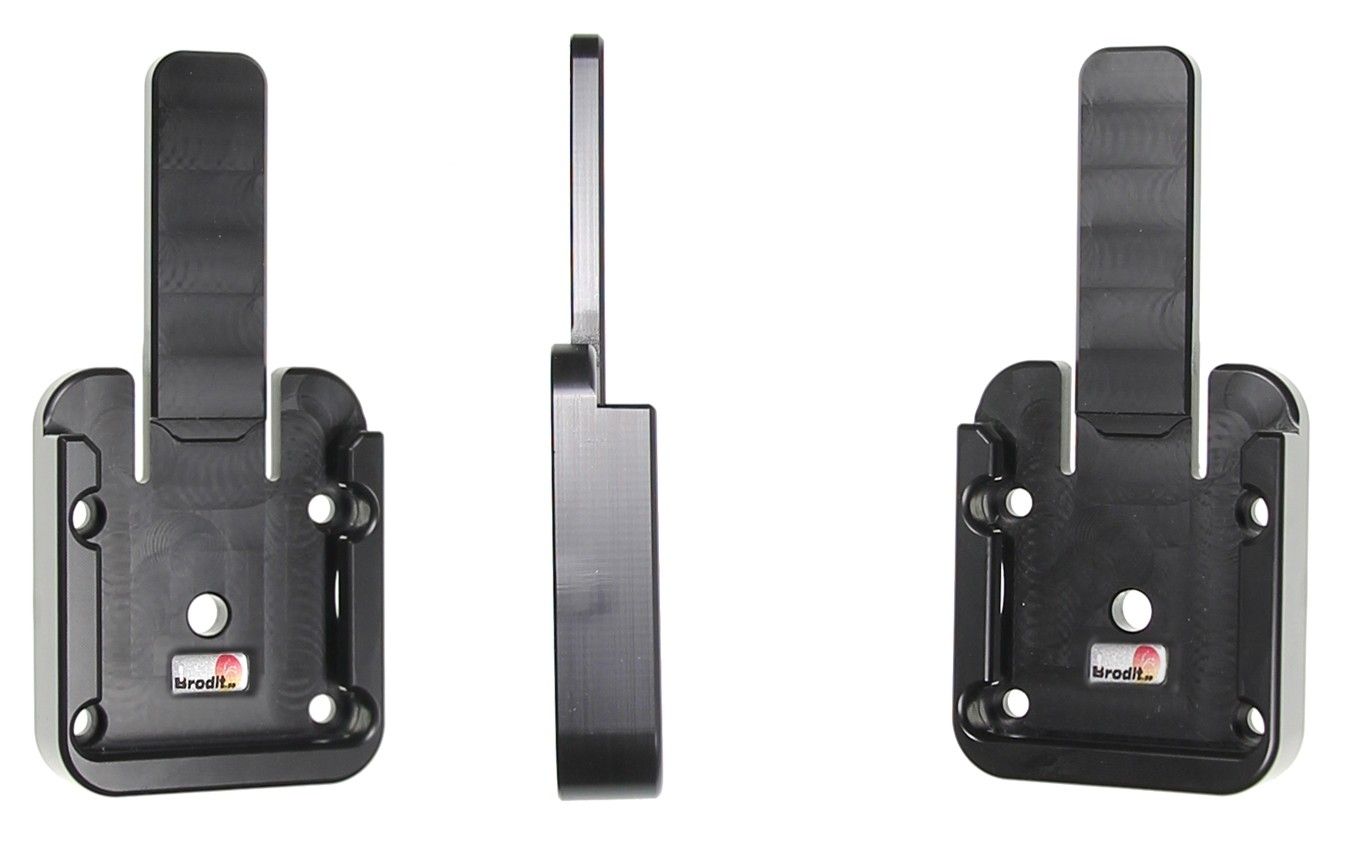
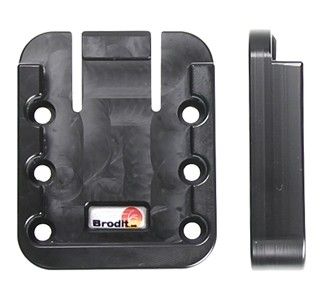
With tilt swivel. The active holder charges your battery when it is in the holder. The charging device connects to the PDA automatically when you put the PDA in the holder. The holder is attached onto a tilt swivel and can be adjusted in order to avoid light reflection. Connects to the vehicle's cigarette lighter socket, 12/24 Volt.   The holder is equipped with a tilt swivel so you can easily adjust the angle for better viewing, or switch between portrait and landscape mode. Tilts 17° and swivels 360°. Mounting plate 42x50 mm with 4 mm AMPS-holes. Made of high grade black ABS/Acetal plastic. Made in Sweden. Attach onto a Pedestal Mount or an ProClip mounting platform.
More Information
More Information
Accessory brand Brodit
Barcode 7320285128514
Recommended retail price incl. VAT €111.95
Device with or without cover Without case
Holder feature Device-specific
Cable / Qi / charger type / connnector Cable fixed sig plug
Input Voltage 12/24V geschikt
Voltage (output) 4.6 - 5.3V
Max Amperage 3,0 Amp
Montage standaard AMPS
Device holder lockable? no
Color black
Productinfo Brodit houder
Product installation Mount the holder on a ProClip in your vehicle. A detailed installation manual is included in the product packaging
Product suitable for Brodit houder
Show more + Show less -
Reviews
Write Your Own Review
You're reviewing:Brodit Active holder Honeywell CT50/CT60 cig.plug-3A
Compatibility
Show more + Show less -
Instruction
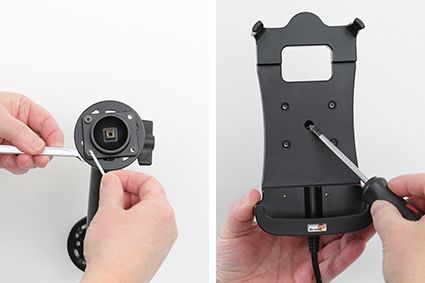
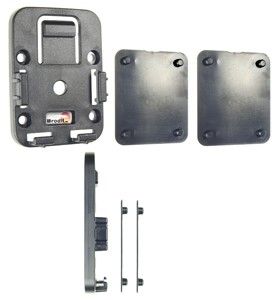
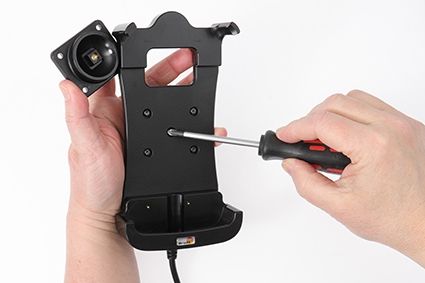
Please read all of the instructions and  look at the pictures before attaching the holder.   1. Loosen the screw in the center of the holder so you can remove the tilt swivel attaching plate on the back.  
2. Place the attaching plate onto the desired position. Screw the attaching plate into place with the enclosed screws. Place the holder over the attaching plate so the screw fits in the hole in the tilt swivel. Tighten the screw so the holder is firmly in place, but still can be adjusted.  
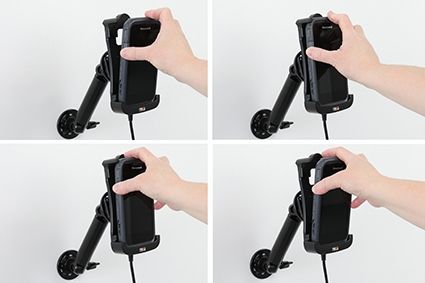
3. To place the device in the holder: Place the lower part of the device in the bottom of the holder. Flip/Press the top of the device forward into place in the holder. To remove the device from the holder: Place your index finger on the upper part of the holder and push at the same time as you pull the upper part of the device out from the holder. When the device is set free, lift it upward out of the holder.  
4. The holder is in place.

Scroll to top